
Download Charting Equities – free equity tracking app for Mac
Overview
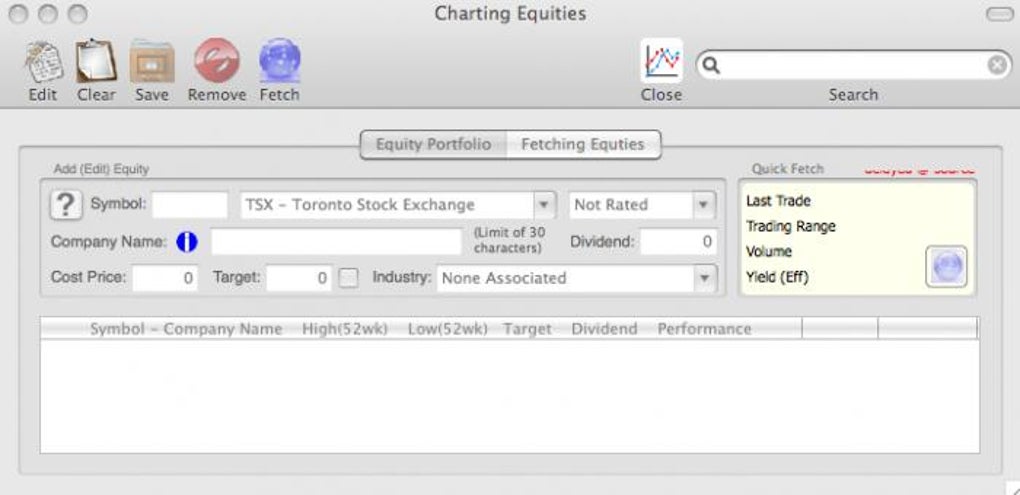
In today’s volatile financial climate, having a reliable, real‑time view of your equity holdings can make the difference between a missed opportunity and a smart trade. Charting Equities is a purpose‑built Mac application that brings brokerage‑level analytics straight to your desktop. Designed to complement the data you already receive from your broker, the tool lets you pull individual stock quotes or whole‑portfolio snapshots with just a few clicks. Each retrieval includes the day’s opening and closing prices, price change, trade volume, 52‑week high/low, and the annual dividend yield—information that seasoned investors rely on to gauge market momentum.
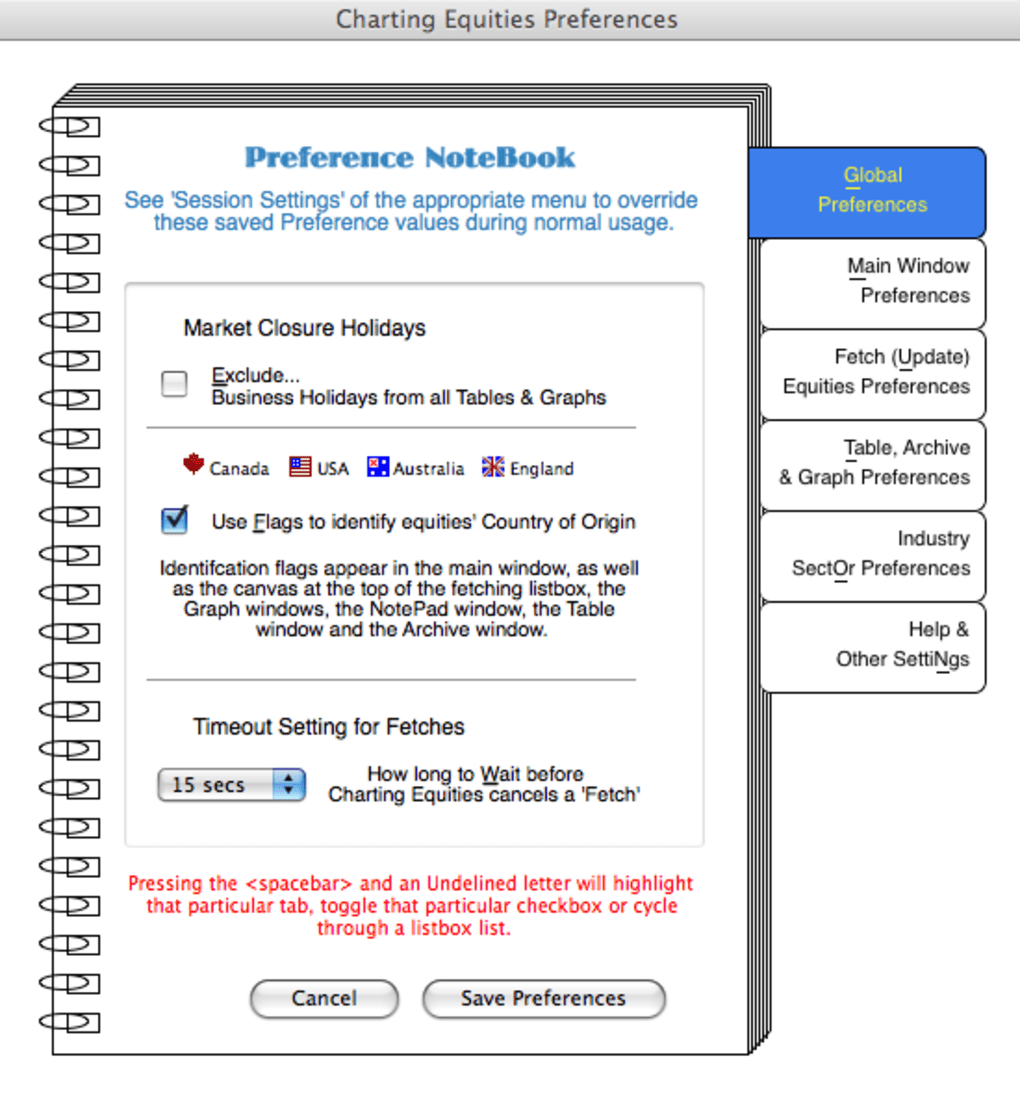
While the interface leans toward a minimalist, even “cheap‑looking” aesthetic, the underlying engine is anything but. Charting Equities offers deep customization options: you can select which markets to monitor, set target price alerts, and even download data for offline analysis. Whether you track U.S. equities, European indexes, or emerging‑market shares, the app adapts to your preferences and presents the numbers in a clean, sortable table. The ability to define a “target value” for any security means you’ll be instantly notified when a stock hits a predetermined threshold, helping you act quickly without constantly staring at a screen. For investors who want a dedicated, secure, and free solution that lives on their Mac, Charting Equities delivers a surprisingly powerful suite of features without the bloat of larger financial platforms.
Key Features
- One‑click portfolio import – Pull all holdings from your brokerage account or manually enter ticker symbols for instant data retrieval.
- Real‑time price & volume – Displays current price, day‑to‑day change, and total shares traded for each equity.
- 52‑Week High/Low tracking – Helps you see long‑term performance trends at a glance.
- Dividend & Yield information – Shows annual dividend payouts and percentage yields for income‑focused investors.
- Custom alerts & target values – Set price thresholds; receive macOS notifications the moment a stock reaches your target.
- Offline analysis mode – Download daily data files (CSV) and run historical comparisons without an internet connection.
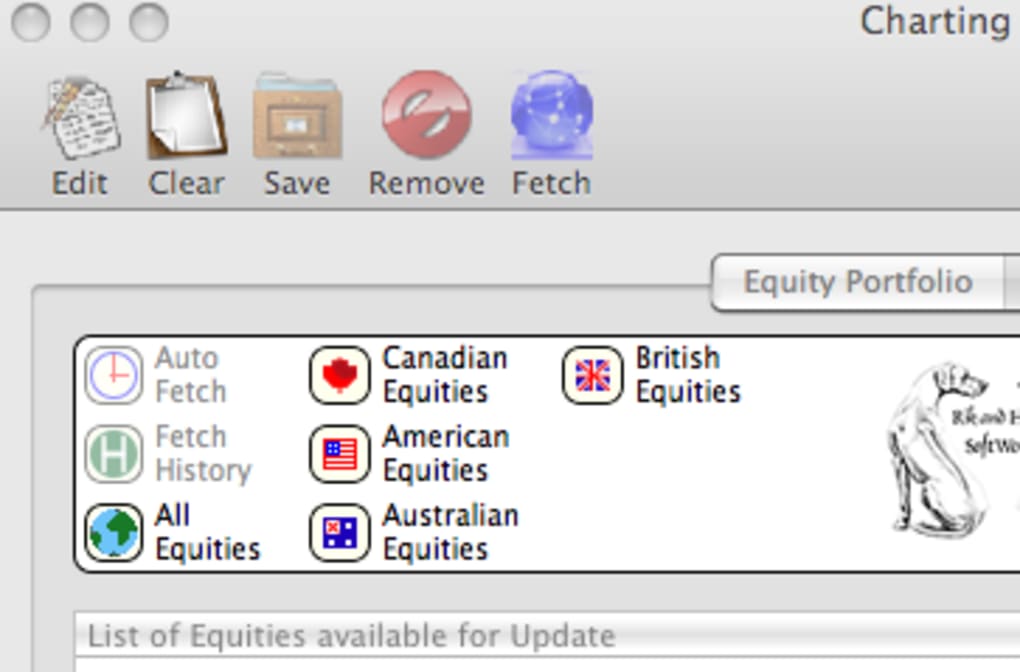
- Multi‑country support – Track equities from North America, Europe, Asia‑Pacific, and more, with localized currency formatting.
- Fully sortable tables – Organize your portfolio by price, change, volume, dividend, or any custom column.
- Export & reporting – Generate PDF or Excel reports for tax filing, performance reviews, or sharing with advisors.
- Secure data handling – All network requests are encrypted via HTTPS; no personal data is stored on external servers.
Each of these features is built with the Mac environment in mind, leveraging native APIs for speed and stability. The application updates its market data automatically at regular intervals, but you can also trigger a manual refresh whenever you need the latest figures. Because the app runs locally, there’s no need for a constant internet connection after the initial download—perfect for investors who travel or have limited bandwidth. The combination of real‑time tracking, customizable alerts, and robust offline capabilities positions Charting Equities as a comprehensive tool for both day traders and long‑term portfolio managers.
Installation, Usage & Compatibility
Getting Started on macOS
Installing Charting Equities is straightforward. Visit the official website, click the “Download for Mac” button, and the .dmg file will begin downloading. Once the download completes, open the disk image, drag the Charting Equities icon into your Applications folder, and eject the image. The app is signed with an Apple Developer ID, so macOS will recognize it as a trusted application, eliminating the typical “unidentified developer” warning.
First‑time Setup
When you launch the program for the first time, you’ll be greeted by a brief onboarding wizard. The wizard walks you through connecting your brokerage account via API key (if your broker supports it) or manually entering your ticker symbols. You can also choose the default currency, time zone, and data refresh interval (e.g., every 5 minutes, 15 minutes, or hourly). After completing the setup, the main dashboard displays a table of your equities with the most critical data points highlighted.
Daily Workflow
Using Charting Equities day‑to‑day is as simple as selecting a row and clicking the Refresh button, or letting the automatic scheduler handle updates. To set a target price, right‑click on a stock, choose “Set Alert,” and enter the desired value. The app will push a macOS notification and optionally play a sound when the market price reaches that level. For deeper analysis, click the Export button to save the current view as a CSV or PDF, then open it in Excel, Numbers, or any analytics software you prefer.
System Requirements
Charting Equities requires macOS 10.15 (Catalina) or later. It runs natively on Apple Silicon (M1, M2, and later) as well as Intel‑based Macs, thanks to Apple’s Rosetta 2 translation layer. The application uses less than 150 MB of RAM under typical usage and occupies roughly 80 MB of disk space after installation.
Because the software stores no personal data on external servers, you can safely use it behind corporate firewalls or on private home networks. Regular updates are released quarterly, bringing new market data sources, UI refinements, and performance enhancements. All updates are delivered via the built‑in updater, ensuring you always have the latest features without manually downloading new installers.
Pros, Cons, FAQ & Conclusion
Pros & Cons
- Pros
- Free to download and use – no hidden subscription fees.
- Native macOS performance; low CPU and memory footprint.
- Comprehensive data fields (price, volume, 52‑week range, dividend yield).
- Custom alerts keep you informed without constant monitoring.
- Offline data export enables analysis without internet access.
- Secure HTTPS communication and no cloud storage of personal data.
- Cons
- Interface looks dated compared to premium financial platforms.
- Limited to macOS – no Windows, Android, or iOS version available.
- Advanced charting tools (candlestick, technical indicators) are absent.
- Relies on manual broker API keys for automatic portfolio sync.
- Support is community‑based; no dedicated phone line.
Frequently Asked Questions
Is Charting Equities really free?
Yes, the application can be downloaded and used at no cost. All core features, including real‑time quotes, alerts, and offline export, are included in the free version.
Can I track non‑U.S. stocks?
Absolutely. Charting Equities supports major exchanges in Europe, Asia‑Pacific, and Canada. You simply select the market region during setup or add the appropriate ticker symbol.
How secure is my data?
All data requests are encrypted via HTTPS, and the app never stores personal or brokerage credentials on external servers. Your portfolio information stays on your Mac unless you choose to export it.
Do I need an internet connection to use the app?
An internet connection is required for the initial data download and for any live price updates. Once you have saved a data file, you can analyze it offline without a network.
Is there a way to get technical analysis charts?
Charting Equities focuses on tabular data and alerts. For advanced charting, you can export the CSV file and import it into dedicated charting software such as TradingView or MetaTrader.
Conclusion & Call to Action
If you own a Mac and want a lightweight, secure, and completely free tool to keep an eye on your equity portfolio, Charting Equities delivers exactly what you need. Its real‑time price feed, customizable alerts, and offline export capabilities make it a practical companion for both casual investors and seasoned traders. While the UI may feel modest and the lack of advanced charting could be a drawback for some, the core functionality is robust and reliable. By installing Charting Equities, you gain a dedicated financial dashboard that lives right on your desktop, allowing you to react swiftly to market moves without juggling multiple browser tabs or expensive subscription services.
Ready to take control of your portfolio? Download Charting Equities now and start tracking your stocks with confidence. Remember to enable macOS notifications so you never miss a target‑price alert, and consider exporting a weekly report to stay on top of performance trends. Happy investing!







